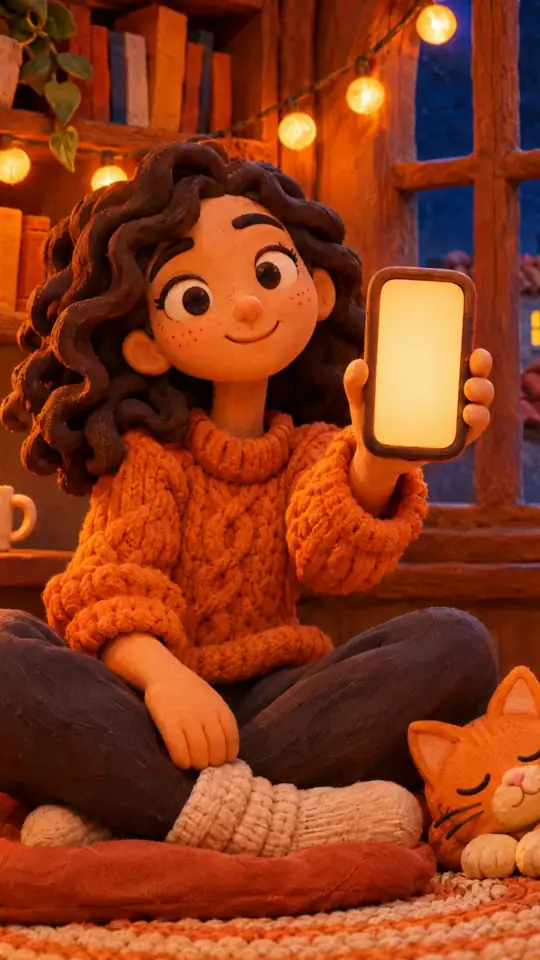
Tech tutorial video maker — Terracotta studio style
Make a tech tutorial video with UI cards floating in light 3D on cream: numbered labels, rolling counters, terracotta plates and italic serif captions.
Incluído a partir do Starter, com todos os 27 estilos mais o teu próprio · pré-visualização gerada pelo motor ClipOnIt
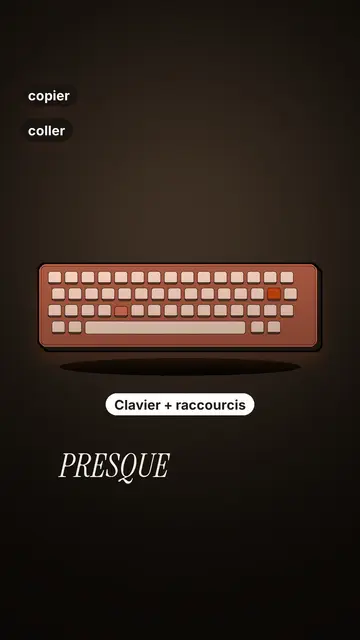
Como é este estilo
Terracotta studio explains a tool as if on a tidy workbench. On a cream background, interface cards float in light 3D, with real perspective and a warm shadow: an app window, a list of steps, an editing timeline, a sound wave drawing itself, a pad of keys lighting up one by one. At the top, a numbered label (“01”, the tool's name, “free”) says where you are and stays put while that tool is discussed. Each card enters on the word that names it.
The promise lands on a solid terracotta plate: an asterisk, an extra-bold grotesque title and an underlined italic serif word. The key number rolls in a giant counter above a floor of small cards in perspective. Small labels pop around the cards on the strong words, and captions run word by word in uppercase italic serif, the key word in terracotta. The end shows a numbered card and a button that lights up and then gets clicked.
Temas indicados
Avoid: stories carried by characters, places or emotions: the style shows interfaces, lists and numbers, not scenes from life. Also avoid topics without steps or a concrete tool; a card should always show something you can do.
- Tool tutorialsEach tool gets its numbered label and its cards: viewers follow the order without getting lost, even in 30 seconds.
- Tech tipsA shortcut, a hidden setting, a command: the lit keys and the window show the exact move.
- How things workA search, a sound, an edit: the card filling up shows the mechanism step by step.
- Free tools and app round-ups“3 free tools”, “5 apps to install”: the plate announces the number, the end card sums up the list.
Ideias de vídeo neste estilo
- 3 keyboard shortcuts that save time
The lit keys, the closed-tabs window, the clipboard history and the card to keep.
- 5 free sites to find sounds
One label per site, the wave drawing itself, the counter of royalty-free sounds and the final list.
- How AI finds an image in one second
The typed search, the scrolling film strip, the image at the exact frame and the accuracy score.
- Editing a video on your phone
The timeline where clips stack up, the sound meter and the “Export” button clicked at the end.
Obtém-no em 1 clique
- Abrir a ligação deste estilo
O botão “Criar um vídeo neste estilo” abre o editor com este estilo já selecionado. Sem conta, criar uma leva um minuto e não precisa de cartão.
- Escreve o tema numa frase
Uma ideia basta. Também podes colar o teu texto ou, a partir do Starter, narrar ao microfone: o vídeo será então construído com a tua voz.
- Revê e depois gera
A IA escreve as cenas, escolhe os elementos do estilo e sincroniza-os com as palavras, com voz e legendas. Corriges o que não estiver bem e, em poucos minutos, chega o MP4 vertical.
O que podes ajustar
For each scene you pick one to three cards out of twelve (window, list, timeline, wave, pads, counter, meter, score, numbered frames, search, film strip or a library element), the numbered label for that part, up to three small labels and the word where each one appears. A terracotta plate carries the promise, a number shot rolls the key figure, and the end card lists your tools with a button. Your own voice works too: everything locks onto the spoken words.
Desenhado neste estilo
9 517 elementos na tua biblioteca, pesquisáveis por significado. Alguns deles:
 Personagens
 Dispositivos
 Documentos e locais
 Dados
 Cenários
 Interfaces
 Ciência
 Ações
Perguntas frequentes
Grátis ou não, resultado, utilizações: as respostas curtas.
Do I need screenshots of my tools?
No. The engine draws the interface cards from your text: titles, lines, keys, numbers. No screenshot or brand logo is used.
Posso usar a minha própria voz?
Yes. Record yourself or import your audio: every card, every key and every caption word locks onto what you say.
How is it different from Clean interface?
Clean interface tells a story in OS-style windows with a clicking cursor. Terracotta studio is built for tutorials: cards in light 3D, a numbered label per tool, terracotta plates and counters.
Este estilo está no plano gratuito?
Não, vem incluído no Starter ($29/mês): 15 vídeos por mês sem marca de água, todos os 27 estilos mais o teu próprio. O plano gratuito oferece 3 vídeos por mês com marca de água em 8 outros estilos: Pixel News, Press paper, Comedy cartoon, Class sketch, Night tale, Social screen, Retro synthwave e Flat vector.
Se gostas deste estilo
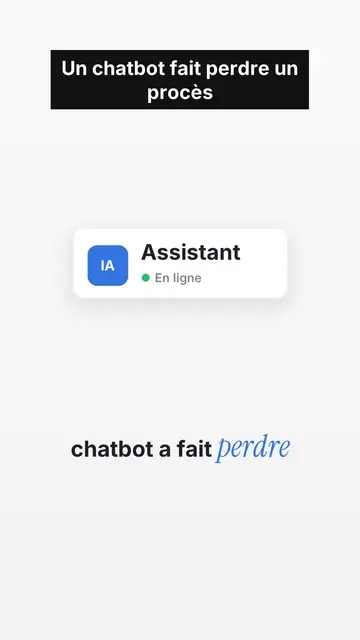
UI motion design explainer video
Clean interface style · The story played out in clean interface cards: windows, buttons, a cursor clicking on the word, key word in serif.
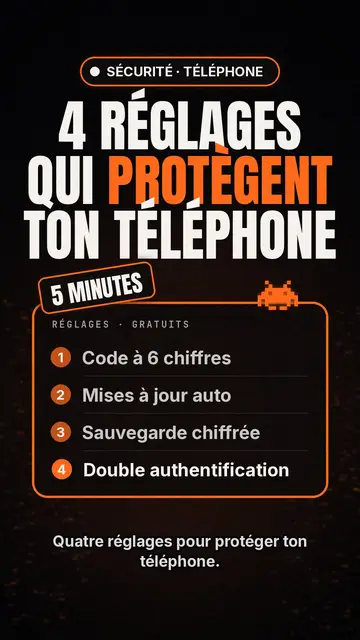
Lista top de criadores de vídeo tech
Estilo lista tech · Cartão tech em preto, distintivo luminoso, lista numerada.
Criador de vídeos de tipografia cinética
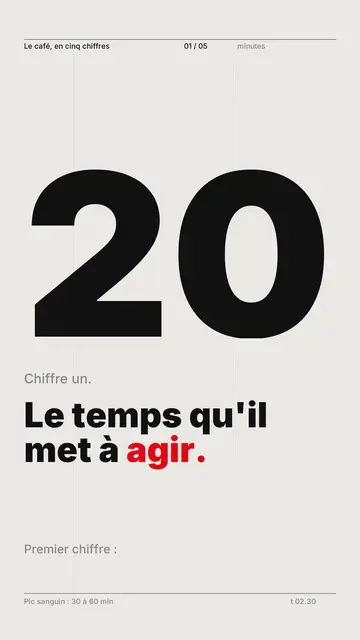
Swiss grid style · Tipografia suíça: papel claro, grelha rigorosa, número gigante, uma cor de sinalização.
Todos os estilosComo escolher um estilo de vídeo explicativo
A tua ideia, neste estilo
Escreve uma frase ou diz em voz alta: o estilo já está escolhido quando chegas ao editor.